BepInEx.ConfigDrawers
In-game configuration manager for BepInEx plugins with docking drawers, rich data tables, and syntax-highlighted config file editing.
BepInEx.ConfigDrawers
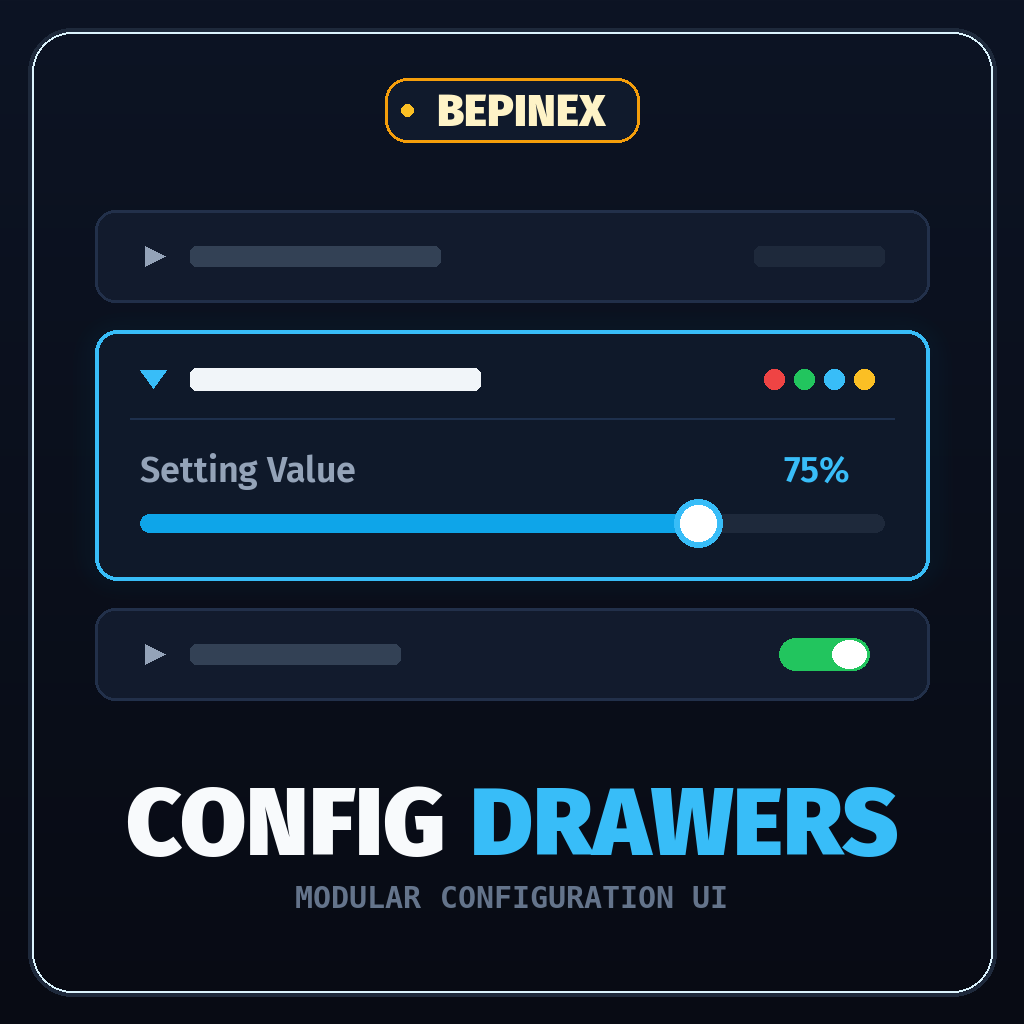
In-game configuration manager for BepInEx 5 plugins.





Overview
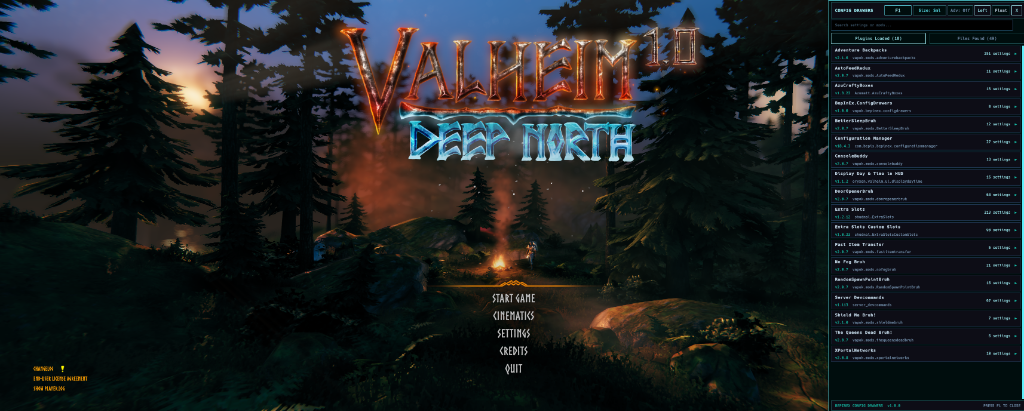
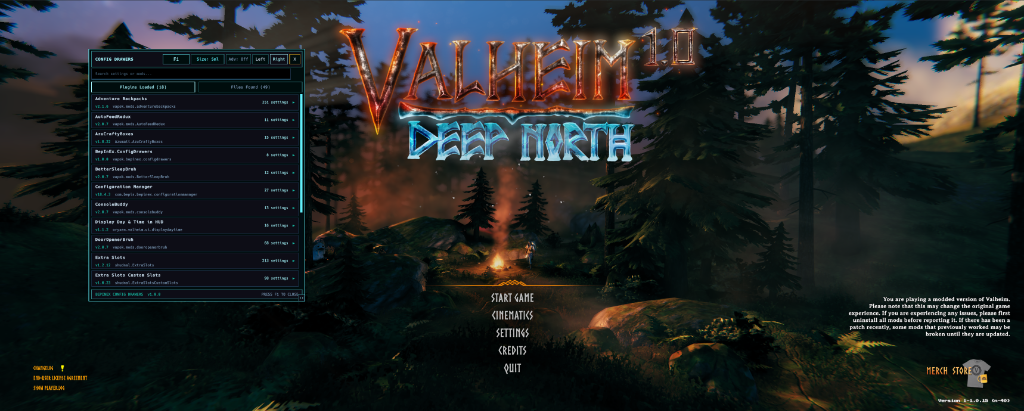
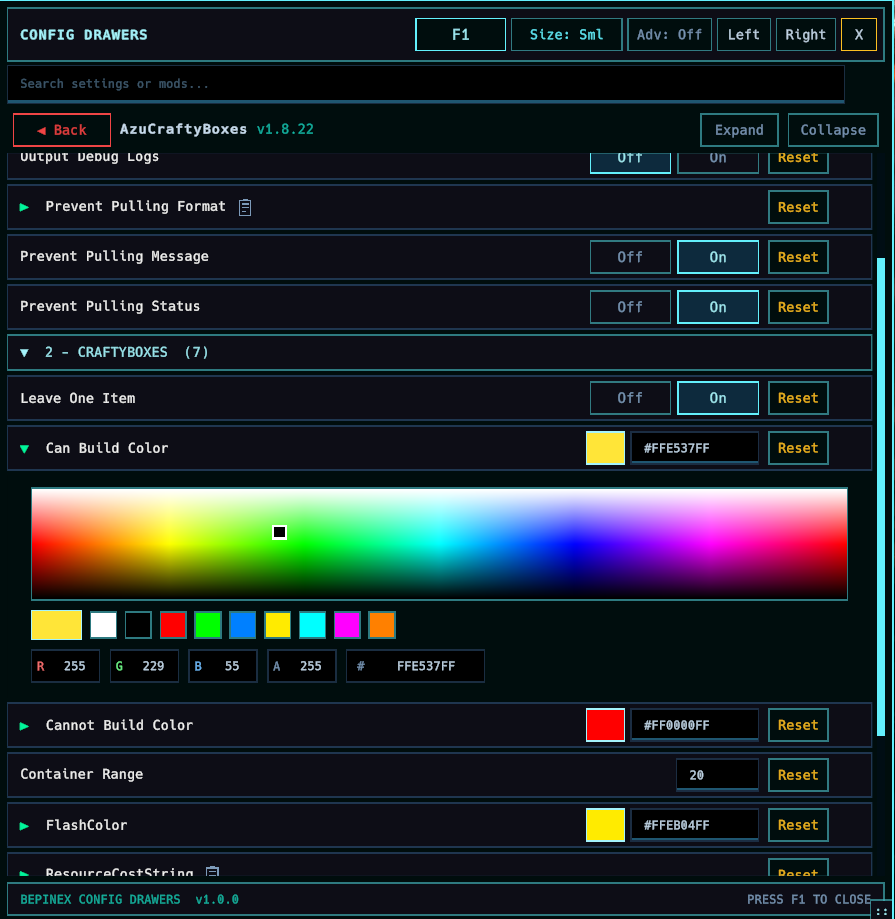
BepInEx.ConfigDrawers is an in-game configuration manager for BepInEx 5 plugins built on Unity uGUI. It provides a collapsible drawer interface that docks to either side of your screen or floats as a moveable window, allowing you to edit plugin configurations in real time without obscuring gameplay.
Features
- Docking & Floating Window: Dock to the left or right screen rail, or detach into a free-floating draggable window with adjustable width.
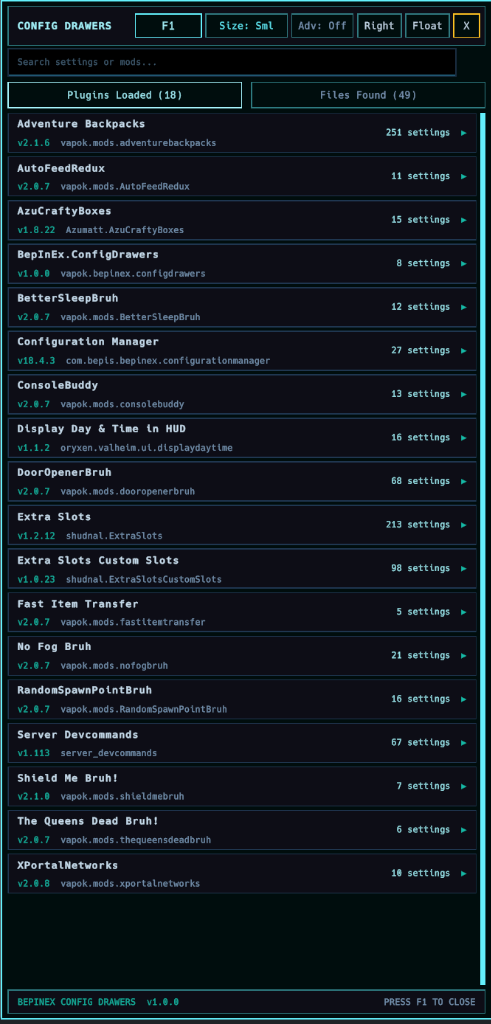
- Search & Filtering: Real-time search filter across plugin names, sections, setting keys, and descriptions.
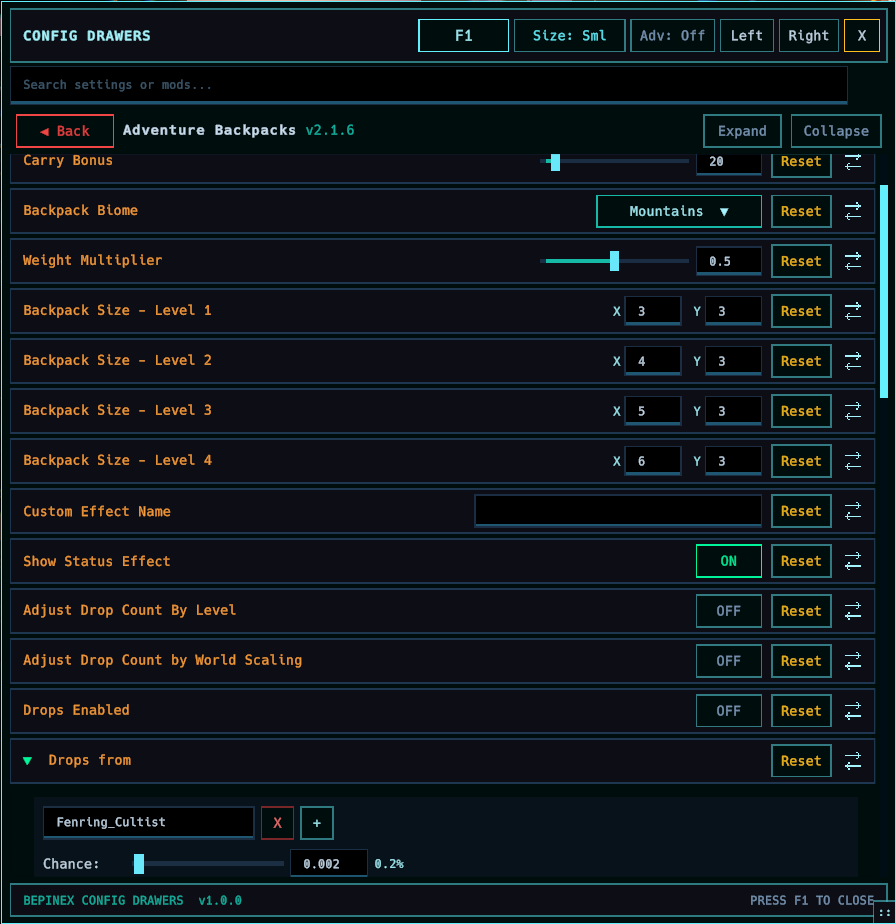
- Native Setting Drawers: Built-in drawer editors for primitives (
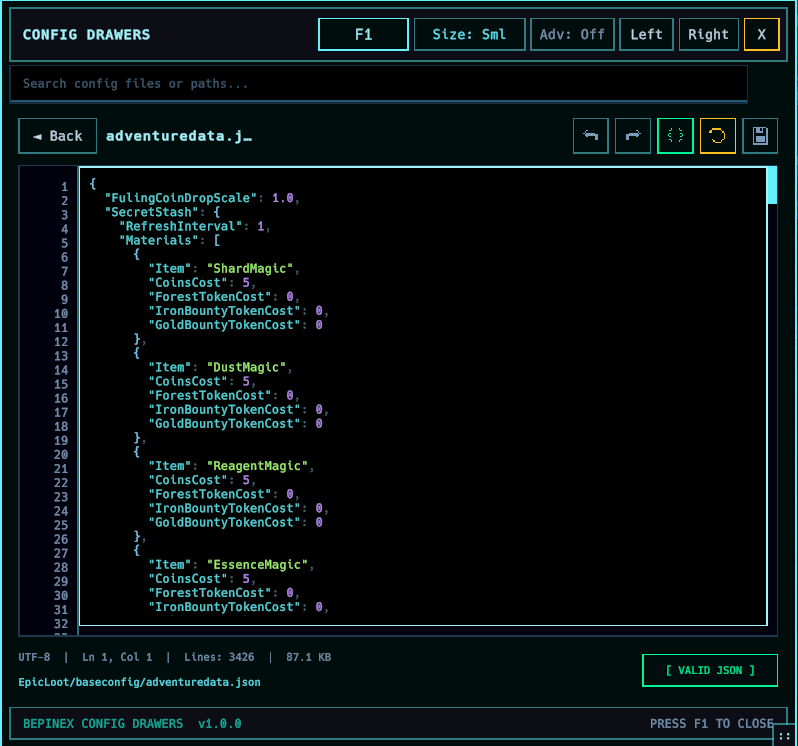
bool,int,float,string,enum), vectors (Vector2,Vector3,Vector4), and key shortcuts. - Multiline Text Editor: Auto-expanding editor for long strings, tokenized format strings, and JSON configurations.
- Color Spectrum Picker: HSV color wheel with hex/RGB inputs and palette swatch presets.
- Data Grids & Tables: Multi-column table views for complex structured settings like recipes and drop lists.
- UI Scaling: Configurable scale presets (Small, Normal, Large) for different screen resolutions.
- Hotkey Rebinding: Click the hotkey button in the header and press any key to rebind the menu toggle shortcut in-game.
- ServerSync Integration: Automatically identifies server-enforced configurations and displays synchronization status indicators.
- Legacy IMGUI Compatibility: Automatically suppresses conflicting legacy
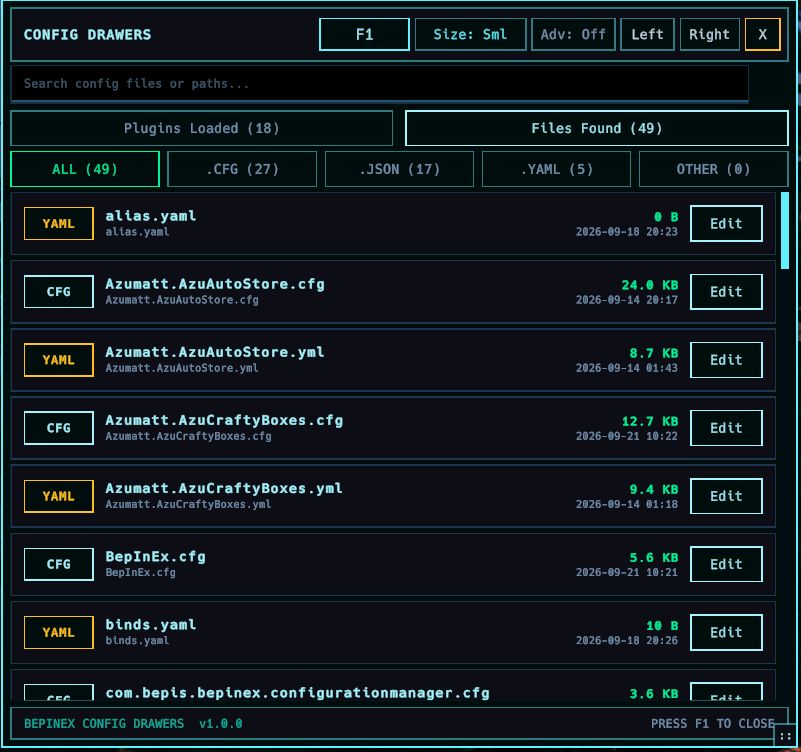
ConfigurationManager.dllhotkeys while continuing to render legacy custom drawer delegates inside the modern drawer. - Config File Browser & Editor: Browse raw configuration files in
BepInEx/config/and edit them directly in-game using a full-screen code editor with real-time syntax highlighting, line numbers, two-line metrics gutter, and live JSON/YAML validation. - Custom uGUI & IMGUI Drawers: Native procedural builder API (
CustomUguiDrawer) for mod configuration interfaces with legacy IMGUI fallback. See the Custom Drawers Guide.
Controls & Keybinds
| Action | Default Input | Description |
|---|---|---|
| Toggle Drawer | F1 |
Opens or closes the configuration drawer. |
| Close / Cancel | Escape |
Closes the drawer or cancels the active input field edit. |
| Commit Edit | Enter / Defocus |
Commits the input change and saves the configuration. |
| Dock Left / Right | [ Left ] / [ Right ] |
Snaps the drawer to the left or right monitor rail. |
| Float Window | [ Float ] |
Detaches the drawer into a free-floating window. |
| Resize Width | Drag Rail Handle | Drag the inner border handle to adjust the drawer width. |
| Cycle UI Scale | [ Size: Norm ] |
Cycles between Small (85%), Normal (95%), and Large (108%) UI scaling. |
| Rebind Toggle Key | Click Hotkey Button | Click the hotkey button in the header, then press the desired keyboard key. |
Configuration Settings
Settings are stored in BepInEx/config/vapok.bepinex.configdrawers.cfg:
| Section | Key | Default | Description |
|---|---|---|---|
General |
Toggle Keybind |
F1 |
Keyboard shortcut to open and close the drawer. |
Interface |
Default Dock Position |
Left |
Default screen rail where ConfigDrawer docks (Left, Right, or Float). |
Interface |
Drawer Width |
480 |
Width of the drawer in pixels when docked (360–720). |
Interface |
UI Scale |
1.0 |
Overall UI scale factor (0.75–1.75). |
Interface |
Font Size |
Normal |
Font and layout scale (Small, Normal, or Large). |
Interface |
Window Opacity |
1.0 |
Overall opacity of the drawer window (0.2–1.0). |
Interface |
Hide Advanced Settings |
true |
Hide advanced settings by default until toggled. |
Compatibility |
Auto Suppress Legacy Manager |
true |
Automatically disable hotkeys of older ConfigurationManager versions to prevent duplicate windows. |
Installation
Thunderstore / Mod Manager (Recommended)
- Install
BepInEx.ConfigDrawersvia r2modman or Thunderstore Mod Manager. - Launch the game and press
F1to open the configuration drawer.
Manual Installation
- Ensure BepInEx 5.4.x is installed.
- Download the latest release package from Releases.
- Extract
BepInEx.ConfigDrawers.dllinto yourBepInEx/plugins/directory.
Building Custom Drawers
Mod developers can create custom procedural uGUI configuration drawers without taking a having a dependency on BepInEx.ConfigDrawers. Simply copy ConfigurationManagerAttributes.cs into your mod project to use CustomUguiDrawer alongside legacy CustomDrawer fallbacks.
For code examples, layout patterns, and the complete IUguiDrawerScope builder API, see the Custom Drawers Guide.
Author & Community
Maintained by Vapok.
- Website: vapok.io
- Discord: Vapok Gaming Community
- GitHub: Vapok/BepInEx.ConfigDrawers
- Thunderstore: Vapok Mods